Multi-chain assets
Different networks can represent assets independently. Confirm the network, address and transaction state before moving value.
- Network differences
- Address checks
- Transaction confirmations

A multi-chain wallet, blockchain network and Web3 knowledge hub from imtoken
View assets across supported networks, check receiving and sending details, understand gas and transaction history, connect to DApps deliberately, and review every signature or approval with security in mind.
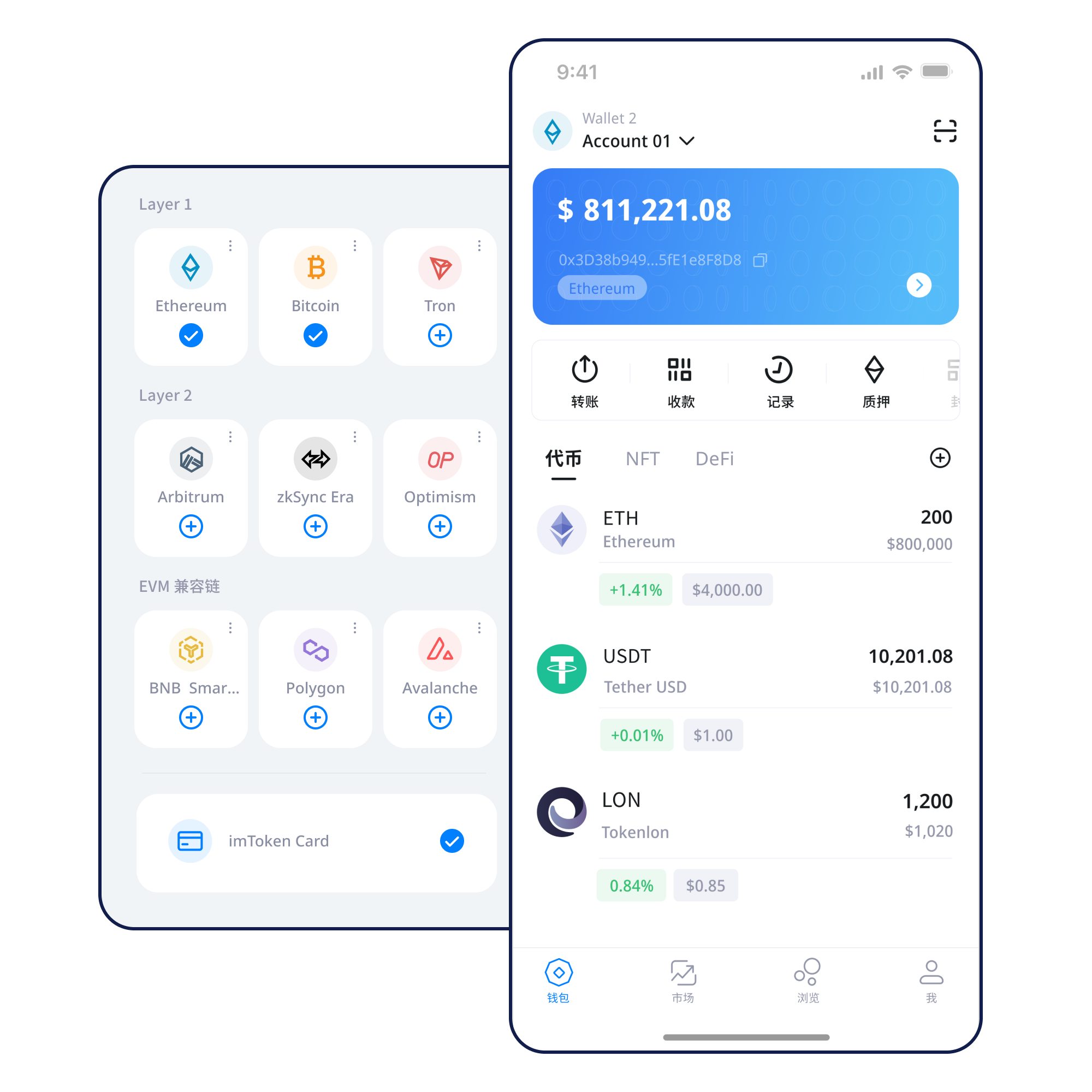
Each action has a different review point. Move through them deliberately instead of treating every prompt as routine.
Start with a trusted device, understand what recovery material controls, and record it offline.
Learn more →Keep recovery material offline and never send it through chat, email or support forms.
Learn more →Match the receiving address with the intended network and asset before sharing it.
Learn more →Verify the domain and review each account, signature and approval request separately.
Learn more →Understand the network first, then the asset, transaction and third-party request.
Different networks can represent assets independently. Confirm the network, address and transaction state before moving value.
View assets, switch networks, review transaction history and connect to DApps from a mobile workflow.
Check the receiving address, selected network, amount, gas and transaction hash as one continuous workflow.
Transfer guide →Browser connections should be deliberate. Review the requested account, approval scope and when to disconnect.
Understand Web access →
Keep seed phrases and private keys private, offline and outside third-party support flows.
The same-looking address can exist across different contexts. Network identity and public state matter.
Different networks maintain independent state. Match the asset, address and selected network before moving value.
Understand this network concept →Nodes publish and verify transactions in blocks, making status and confirmations independently checkable.
Understand this network concept →
EVM networks can share address conventions while keeping separate balances, gas and contract state.
Understand this network concept →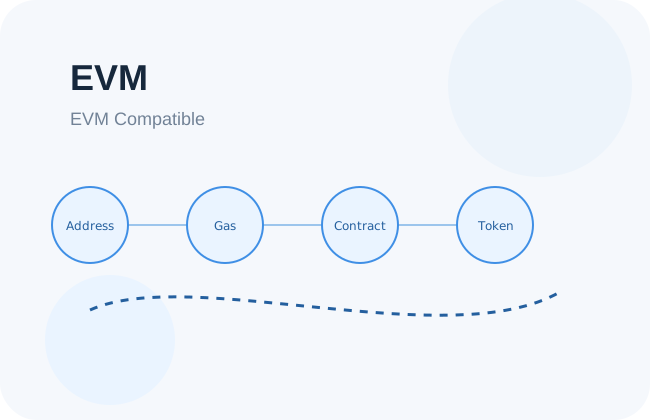
Layer 2 systems add execution capacity while maintaining defined relationships with their base layer.
Understand this network concept →
Fees and confirmation timing depend on the selected network, transaction demand and protocol rules.
Understand this network concept →Keep recovery material offline, verify the network before sending, and review DApp requests one by one.
Use the official download entry and keep recovery material private.
Understand whether you are creating new keys or importing existing recovery material.
Store the seed phrase offline and never disclose a private key.
Match the network to the asset and destination before moving funds.
Review the address, amount and gas before signing.
Check transaction hashes and remove permissions you no longer need.
Connecting a wallet does not mean every signature or approval should be accepted. Treat each request as a new decision.
Protect recovery material, review transaction details, keep devices trustworthy and treat third-party permissions as separate decisions. Seed phrases and private keys remain under the user’s control; official personnel will not ask for them. On-chain transactions generally cannot be reversed by a wallet provider, and third-party DApps or smart contracts may contain technical or fraudulent risk.
Open the security center →Start with addresses, seed phrases, private keys and networks, then add gas, transaction hashes, DApps and approvals. The goal is to know which prompts can change on-chain state and which information must remain private.
Read the guide →How blocks and confirmations create a public transaction history.
Why compatible networks still keep separate state.
How base-layer relationships affect transfers.
Why permission scope matters after connection.
Protect recovery material and verify every action.
Build a practical vocabulary for wallet use.
Study validators, reward sources, network status, withdrawal mechanics and exit queues without treating rewards as fixed interest.
Staking basics →Staking does not guarantee returns. Rewards can change, exits can involve waiting, validators may face penalties, smart contracts carry technical risk and digital asset prices can fluctuate.
PoS & validators →A clear path for network selection, transfers and transaction review.
Address compatibility does not mean balances are shared across networks.
Connection does not mean every later request should be trusted.
Use a public transaction hash and the correct network explorer to verify status.
A wallet manages blockchain accounts and signing authority. Whether you personally control the private keys depends on the product model, so understand custody, recovery and supported networks first.
It is not recommended. Screenshots can be synced to cloud services or exposed to other software. Keep recovery material offline and never send it through chat, email or cloud notes.
Treat the wallet as no longer having a reliable security boundary. Create a new wallet on a trusted device and, if possible, move assets you still control. Do not reuse exposed recovery material.
No. Several EVM networks can use similar address formats while maintaining completely separate state. Always verify both the network and the asset network before sending.
Gas is the fee concept used to account for computation and network resources when transactions or contract calls are processed. The cost can change with network conditions and transaction complexity.
A transaction hash is a public identifier that lets you inspect status, sender, recipient, fees and confirmations on the corresponding network’s block explorer.
Congestion, fee settings, transaction ordering or propagation can affect confirmation. Check the public status on the correct network before submitting duplicate transactions.
Use the unified download entry. Review the source and keep recovery material private before creating or importing a wallet.